Cargo 01
Free 3D container loading calculator
Enter your cargo and container dimensions. Calculate a feasible load and explore the arrangement in 3D.
- Free to use, no account
- 20ft, 40ft and custom containers
- 3D layout, CSV and printable report
Add cargo
Enter your cargo dimensions and weight, or start with an example.
One cargo type. Find a feasible quantity without guessing the order size.
Try a mixed load with three cargo types.
Use plain numbers without thousands separators. Decimal comma and Arabic digits are accepted.
Product library 0
Saved on this browser. Export a backup before changing devices or clearing browser data.
No matching products saved.
Dimensions in cm · weights in kg
Choose container
Choose a container and check the usable dimensions and loading limits.
Container
Dimensions in cm · weights in kgUse internal dimensions and the actual container payload. Presets are typical reference values.
Clearance and balance
Balance indicators are estimates, not axle-load, cargo-securing or transport-safety approval.
View load plan
Inspect the layout, review the loaded quantities and export your plan.
Loaded units—
Volume used—%
Gross cargo weight—kg
Remaining payload—kg
Calculate a plan to explore the cargo layout.
The planner uses floor partitions and vertical stacks. Animation is illustrative and does not validate a physical loading path.
How many cartons can fit in a container?
The number depends on internal dimensions, carton dimensions, permitted orientations, stacking limits and payload. Container Load Tool uses those inputs to find a feasible rectangular-cargo layout and checks its geometry and gross weight. Capacity mode searches one cargo type; order mode uses your requested quantities. The result is a checked planning estimate, not proof of the global maximum.
How it works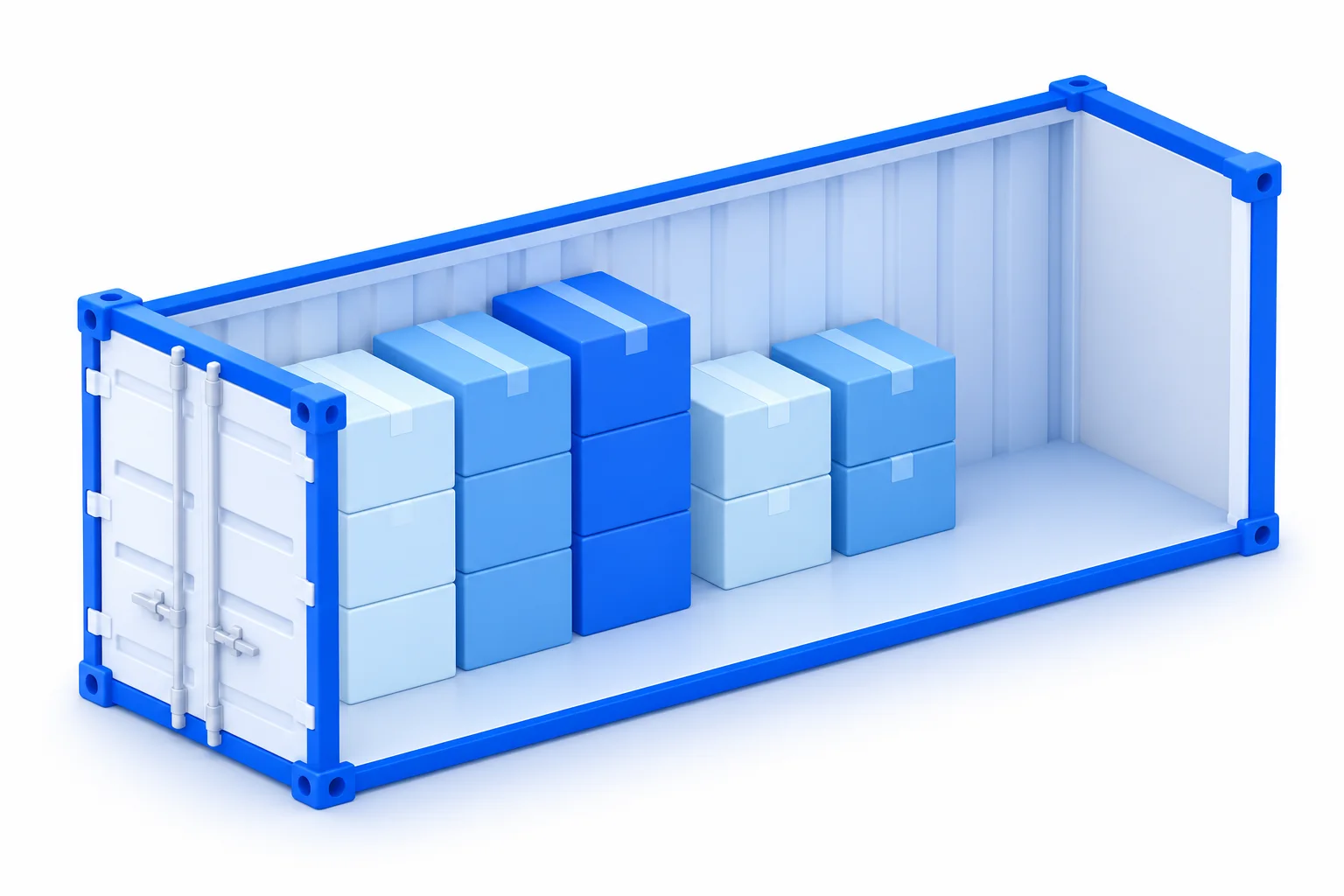
Which container are you planning?
Compare the three presets, then confirm the dimensions and payload of the actual equipment you will use.
Container loading guides
Practical guides to container sizes, cubic metres and carton counts. Each one includes a worked example and the limits of that calculation.
Cargo calculations
How to calculate CBM for cartons and mixed shipments
Calculate cubic metres from centimetres, metres or millimetres. Work through single-carton and mixed-order examples, then check why CBM alone cannot prove a load fits.
Read the guideCargo calculations
How many cartons fit in a container? A worked loading example
Compare a volume upper bound, a fixed-orientation grid and payload limits. Calculate a 20GP carton example and understand what a 3D loading planner adds.
Read the guideLoading workflow
Mixed cargo container loading: plan several carton sizes together
Build a mixed-SKU loading plan with dimensions, quantities, gross weights and stacking rules. Check unplaced cargo and understand the current model’s limits.
Read the guideFrom dimensions to a usable plan
How it works- Enter one cargo type for a capacity search, or multiple types for an existing order.
- Choose a container and confirm its internal dimensions and payload.
- Review the layout, unplaced quantities and balance indicators. Export a copy for your team.
Container loading questions, answered
Understand what the calculator checks, what its results mean and what to verify before loading.
All questions and answersHow do I calculate how many boxes fit in a container?
Start with the packed outside dimensions and gross weight of each box. A fixed-orientation grid is floor(container length ÷ box length) × floor(container width ÷ box width) × floor(usable height ÷ box height). Then apply payload, permitted rotation, stacking limits and clearance. The planner searches additional arrangements and checks the resulting coordinates.
Why is container CBM divided by carton CBM not the answer?
That division gives a volume upper bound. It cannot show whether whole cartons fit across the width, whether an extra layer fits, or whether payload is exceeded. For mixed cartons, the leftover spaces also matter. Use CBM for an initial check and a geometric layout for the loading estimate.
What is the difference between capacity and order mode?
Capacity mode estimates a feasible quantity of one cargo type. Order mode takes your requested quantities for several cargo types and reports loaded and unplaced units. Order mode does not automatically purchase or book additional containers.
Does the calculator guarantee the maximum possible load?
No. It searches floor partitions with vertical stacks of the same cargo type. Every returned layout is checked against the model constraints, but the search does not prove a global maximum. A different packing method may find another arrangement.
Can I mix different box sizes and weights?
Yes, in order mode. Give each cargo type its own dimensions, quantity, gross weight, permitted rotation and stacking limits. The current model places same-type vertical stacks on the floor; it does not stack one SKU on top of another.
Are 20GP, 40GP and 40HQ dimensions exact for every container?
No. They are editable planning presets. Equipment differs by manufacturer and specification. Confirm internal dimensions, payload and door openings with the carrier or equipment provider before using a layout for an actual shipment.
Sources and references
- CTU Code — packing guidanceInternational Maritime Organization
Background guidance on packing and securing cargo in cargo transport units; a separate reference from this tool’s geometric calculation.
- Container dimensions and payload referenceHapag-Lloyd
Equipment specifications to help interpret container dimensions and payload. Check the actual container and carrier requirements for your shipment.
These references provide background on container equipment and packing practice. They do not endorse this tool or certify a calculated plan. Confirm the specifications of the actual container before loading.